Add Meta Ads MCP Server URL
Add one secure remote MCP endpoint to ChatGPT, Claude, or another compatible client. No local server maintenance required.
Connect Facebook and Instagram Ads to AI assistants through a managed Model Context Protocol server. Read campaign, ad-set, ad, creative, audience, and delivery data, then create paused campaigns with explicit approval.
Inspect this Meta campaign, including its ad sets, ads, creatives, configured targeting, and 30-day performance
Returned the permitted campaign hierarchy and performance without guessing at unavailable fields.
 How it works
One connection. More context for every conversation.
Add one secure remote MCP endpoint to ChatGPT, Claude, or another compatible client. No local server maintenance required.
Authenticate securely with Meta Marketing API. Set account limits and human confirmation rules.
Ask for creative audits, audience insights, or campaign changes, then review every proposed write action before execution.
Meta Ads capabilitiesInspect campaigns, ad sets, ads, creatives, configured targeting, and aggregate delivery through structured tools.
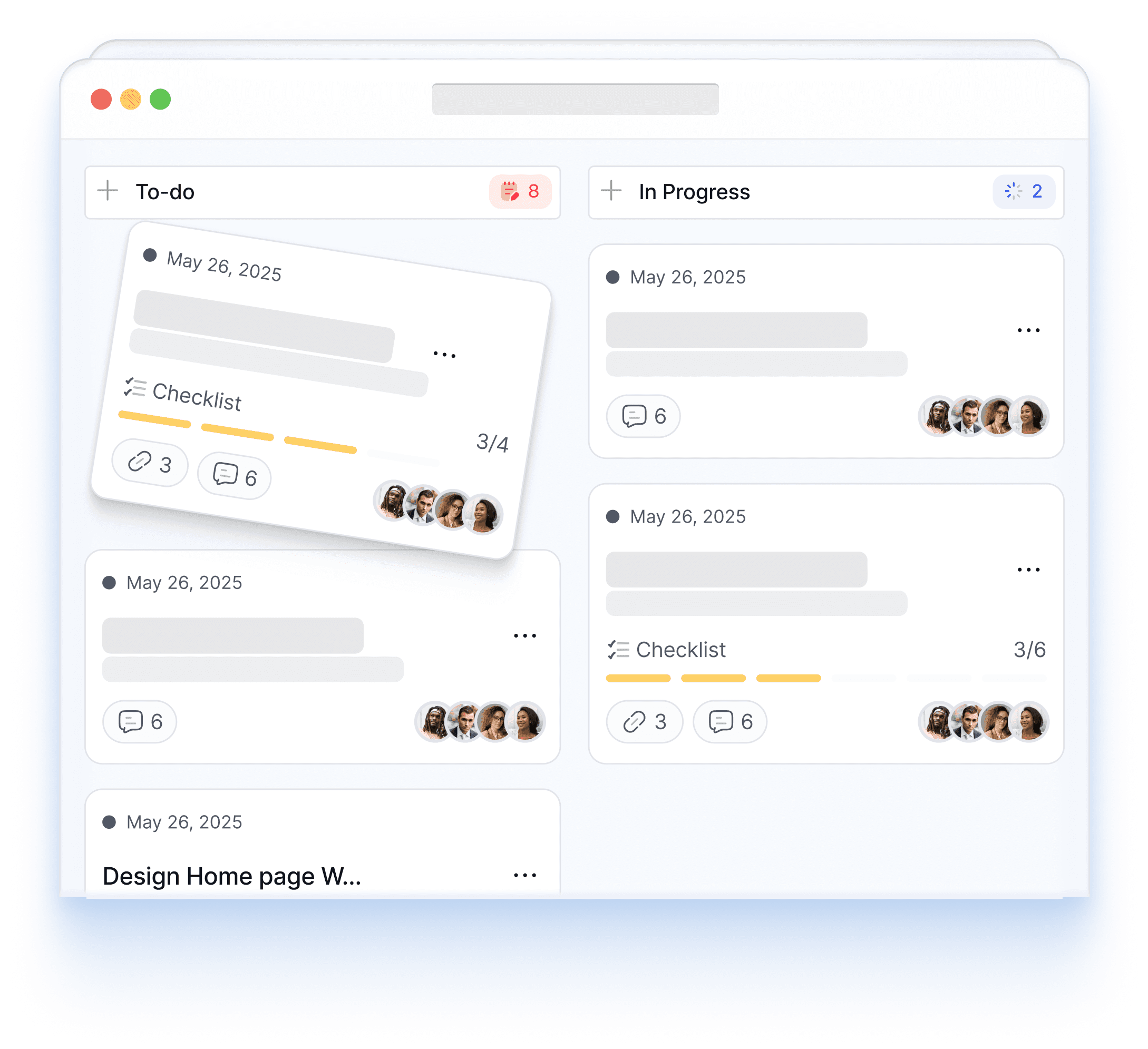
Every write begins as an exact proposal. Newly created campaigns, ad sets, creatives, and ads remain paused until you intentionally activate them.
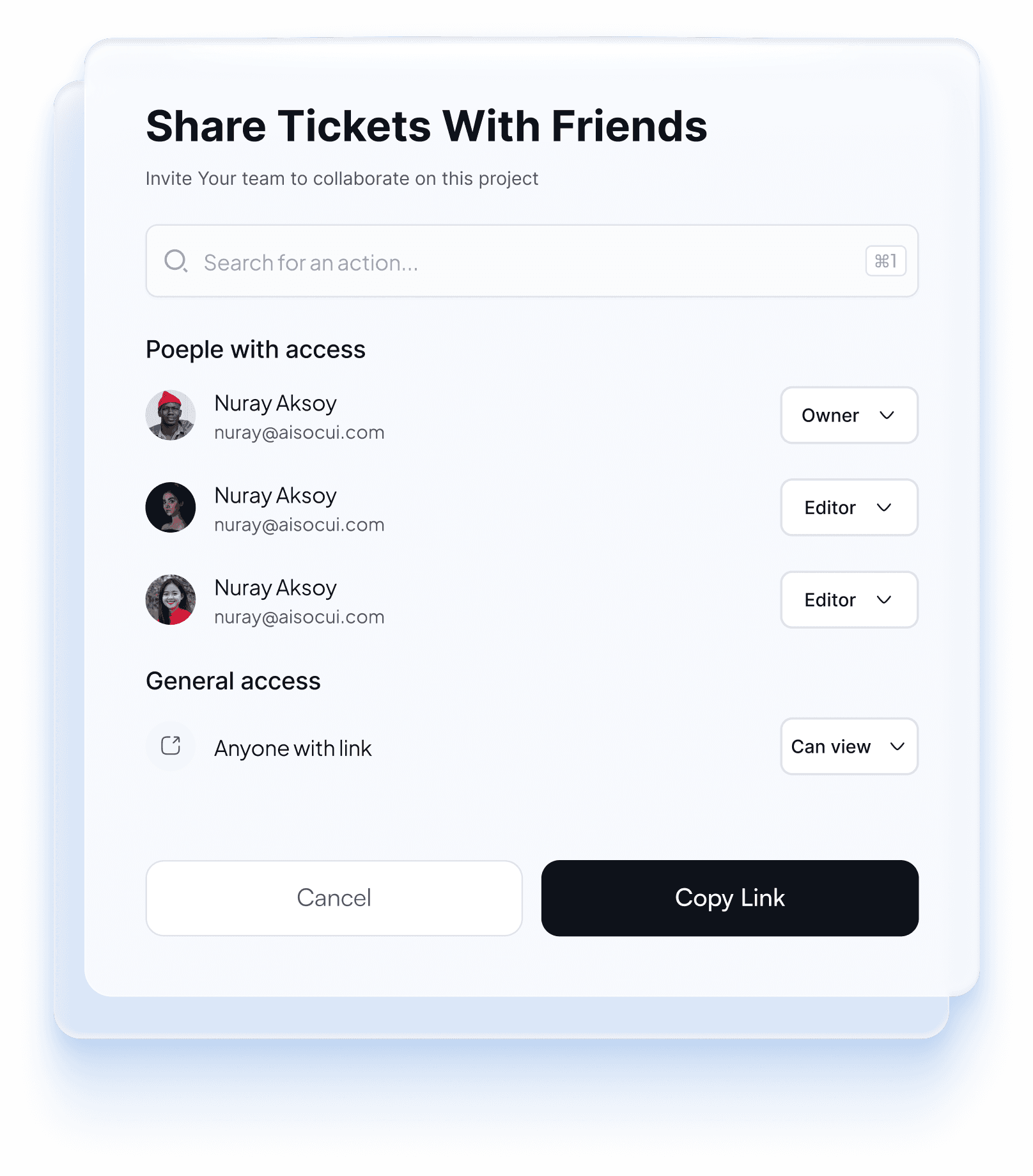
Read saved targeting separately from Meta's aggregate age, gender, geography, placement, and device delivery breakdowns.
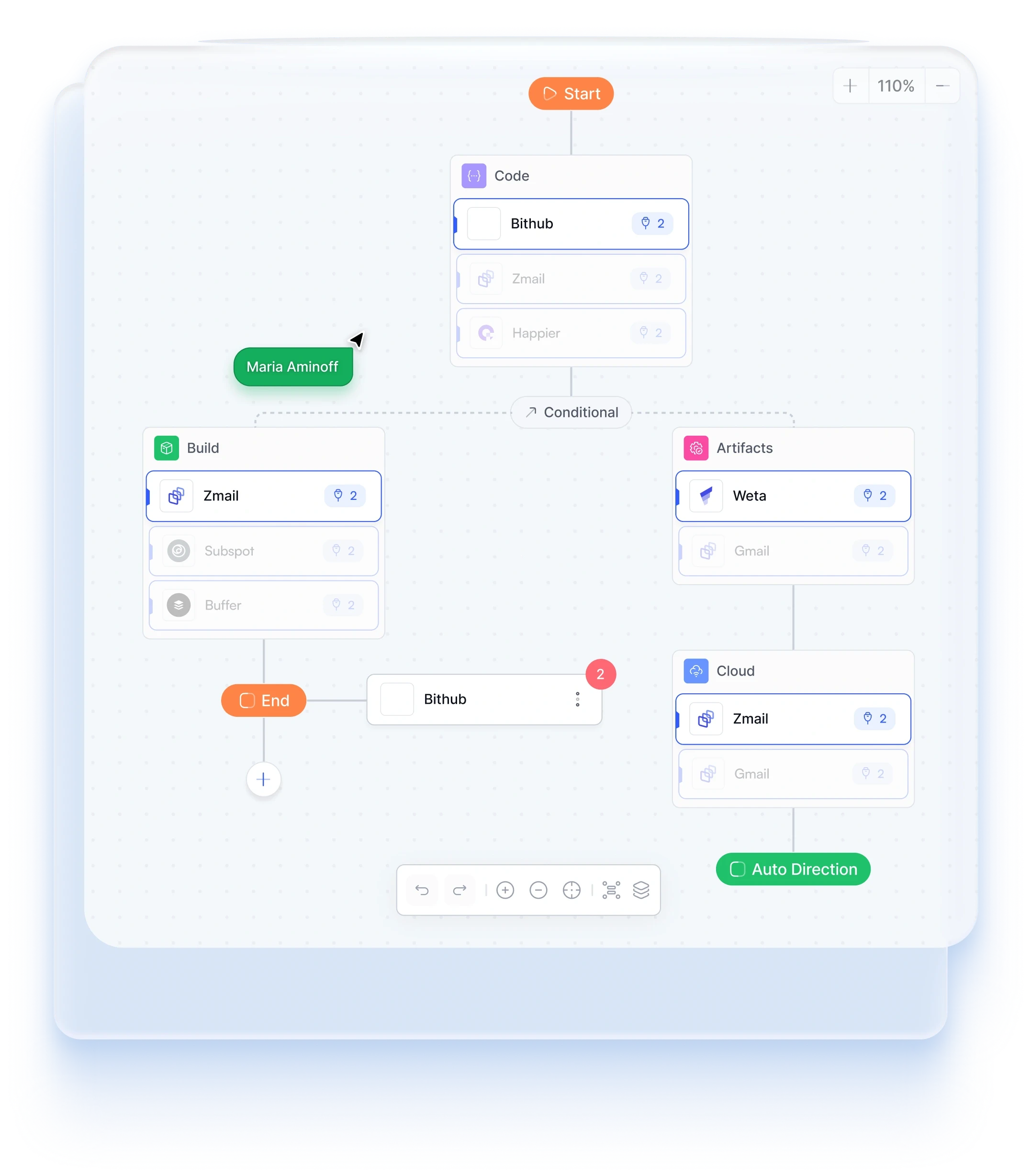
Keep each client's Meta connection, selected ad account, assets, prompts, and actions inside a protected workspace.
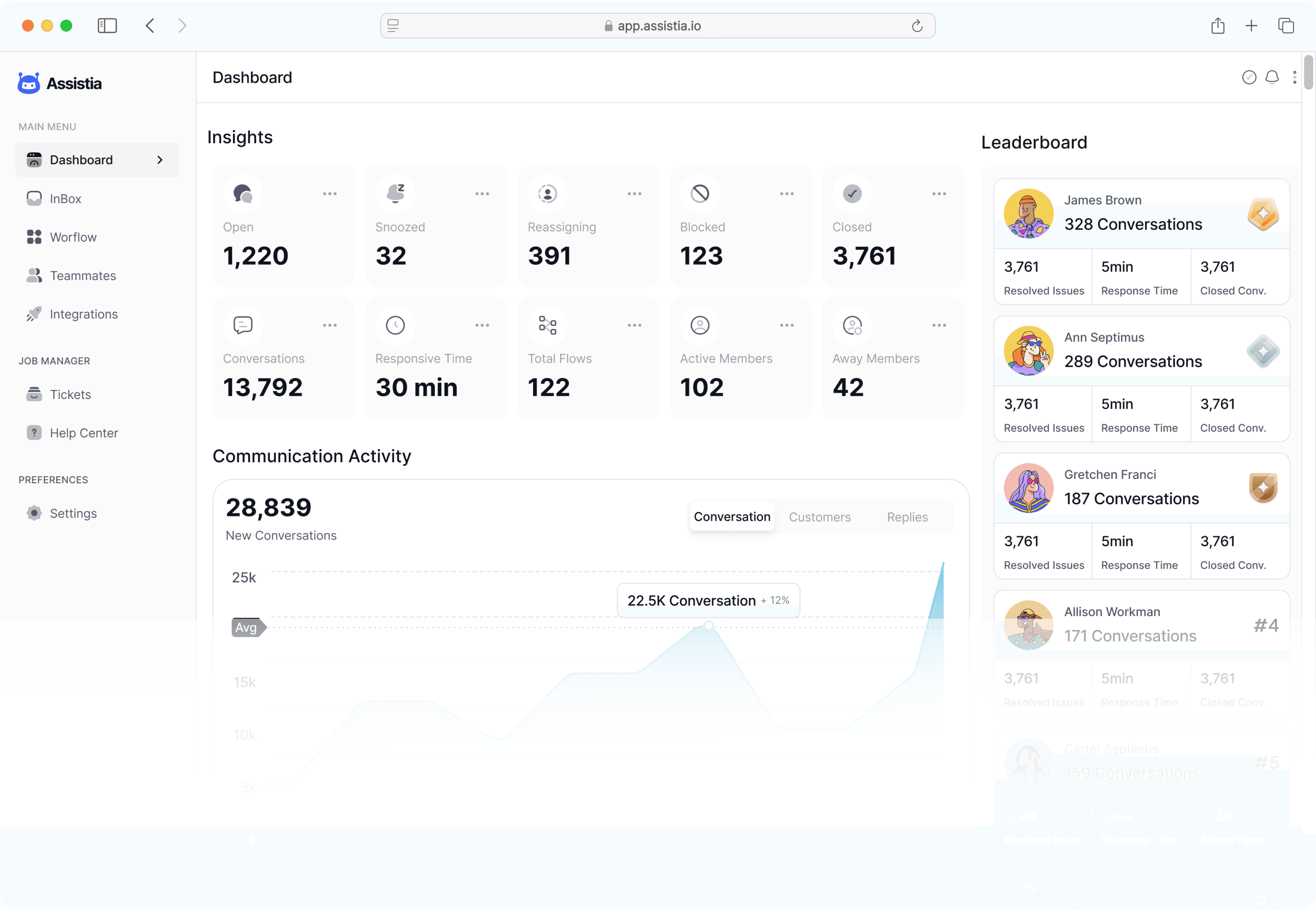 META ADS MCP GUIDE
Meta Ads MCP is a Model Context Protocol connection between an AI assistant and tools built around the Meta Marketing API. It lets a marketer ask about Facebook and Instagram campaign performance, audiences, ads, and creatives without manually assembling the same report in Ads Manager.
PlugMind provides the managed layer for non-technical users: hosted authentication, account-level permissions, cross-channel context, and approval-gated actions. That makes the workflow practical for ecommerce founders, dropshippers, media buyers, and agencies that do not want to operate an open-source server or manage access-token refreshes.
Compare spend, impressions, CPM, CTR, CPA, purchases, conversion value, and ROAS across campaigns and ad sets.
Inspect creative configuration alongside aggregate frequency, cost, click, and conversion performance to identify assets that may need review.
Inspect campaign hierarchy, budget configuration, saved targeting, and recent aggregate delivery performance.
List permitted Facebook Pages, connected Instagram identities, Pixels, audiences, and existing ad images before building an ad.
Create, update, pause, resume, archive, or delete authorized campaign, ad-set, creative, and ad objects only after an exact approval step.
Inspect Business assets, Pages, ad identities, and lead forms while keeping requests inside the correct client workspace.
PricingStart free. Find your rhythm. Upgrade when you scale.
Free for as long as you need
Explore MCP reporting with one advertising account.
Start for freeWhat's included
$468 billed annually
For marketers growing across multiple channels.
Start 14-day trialWhat's included
$1428 billed annually
A connected workspace for your clients and team.
Talk to salesWhat's included
Change or cancel at any time. You stay in control of every campaign change.
FAQsA Meta Ads MCP server connects compatible AI assistants to structured tools backed by the Meta Marketing API. It can make Facebook and Instagram Ads data available in chat for reporting, analysis, and permissioned workflows.
Authorize the permitted Meta Business and ad accounts in PlugMind, then add the PlugMind remote MCP endpoint to a supported ChatGPT or Claude client. PlugMind manages the connection so users do not need to paste long-lived access tokens into chat configurations.
No. PlugMind is an independent managed MCP integration built on Meta's authorized APIs. It is designed to remove the server setup, token handling, and maintenance commonly required by self-hosted Meta Ads MCP projects.
PlugMind can read permitted Business assets, ad accounts, campaigns, ad sets, ads, creative configuration, saved targeting, audiences, delivery breakdowns, Facebook Page insights, and lead forms. Personal lead answers are omitted by default. Results depend on the assets and permissions Meta grants.
Yes. PlugMind lists ad accounts accessible to the authenticated Meta user and lets an agency select the correct account inside each isolated client workspace. PlugMind does not claim access to accounts the signed-in person cannot use.
No. PlugMind requires explicit confirmation for write actions and creates new advertising objects in a paused state. Activation is a separate, approval-gated action because it can begin spending.