Add TikTok Ads MCP Server URL
Add one secure remote MCP endpoint to ChatGPT, Claude, or another compatible client. No local server maintenance required.
Connect TikTok for Business to AI assistants through one managed Model Context Protocol server. Analyze campaigns, creative performance, Smart+ delivery, and Spark Ads with natural-language prompts.
Pull top 5 organic creator videos with 6-second retention > 40% and generate Spark Ad campaigns
Pulled 5 organic creator video authorization codes and drafted Spark Ads targeting US Gen-Z FYP.
 How it works
One connection. More context for every conversation.
Add one secure remote MCP endpoint to ChatGPT, Claude, or another compatible client. No local server maintenance required.
Authenticate securely with TikTok for Business Marketing API.
Ask for reports, creative insights, or campaign proposals, then review enabled write actions before execution.
TikTok Ads capabilitiesTurn top organic creator videos into high-converting Spark Ads in seconds with auth code automation.
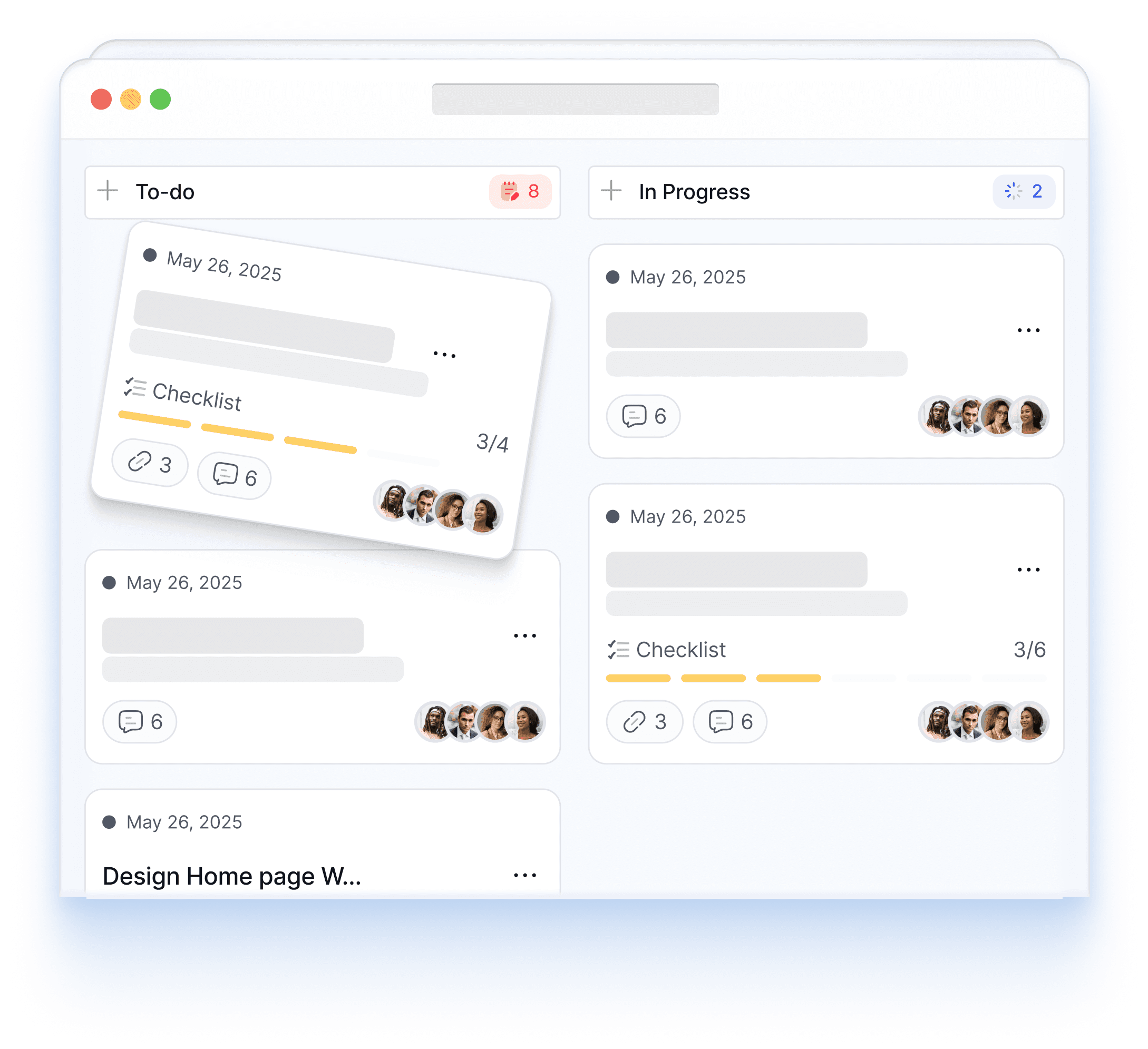
All campaign launches and budget increases require your explicit approval before executing.
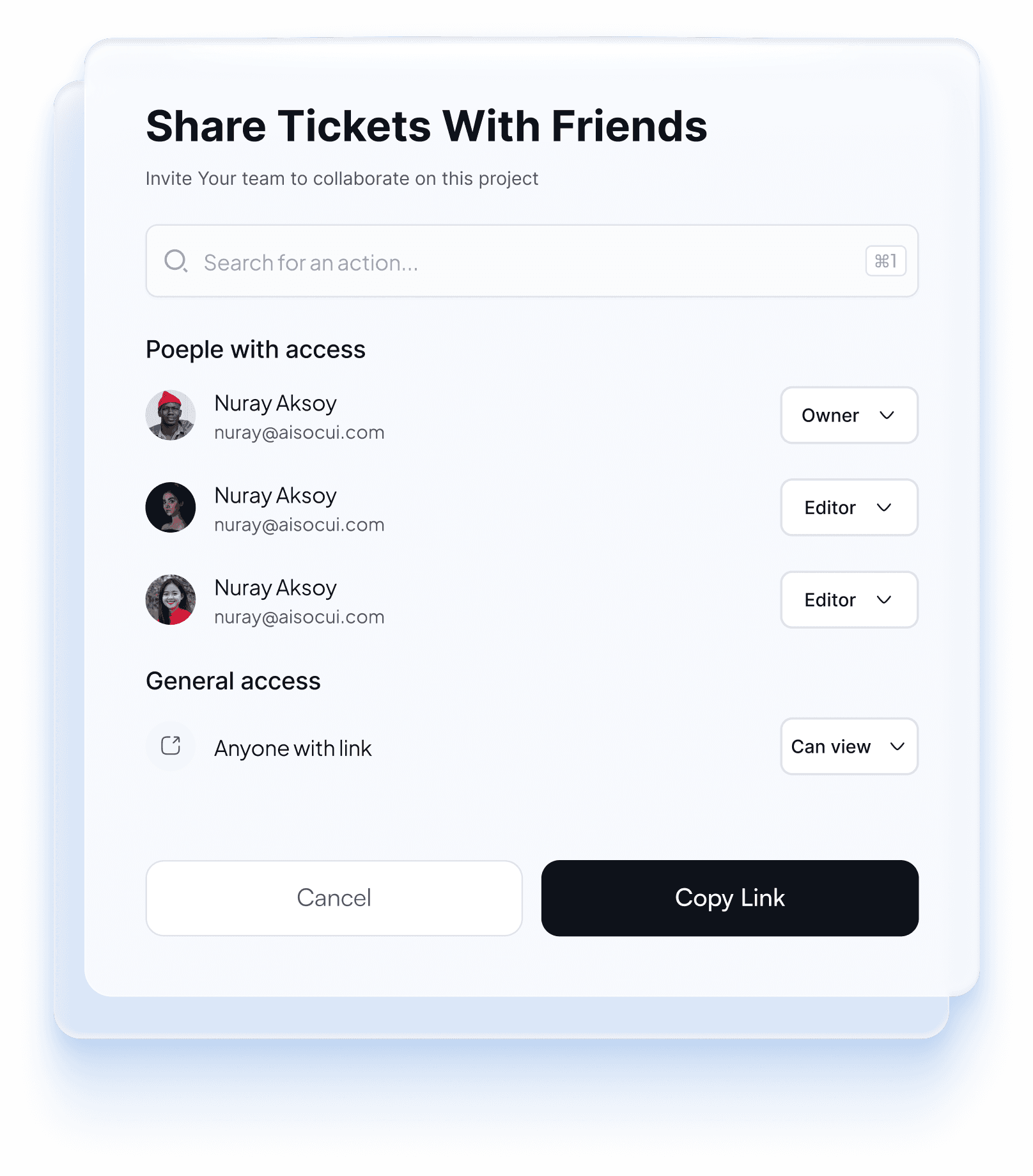
Analyze 2-second and 6-second video drop-off curves to continuously improve video ad hooks.
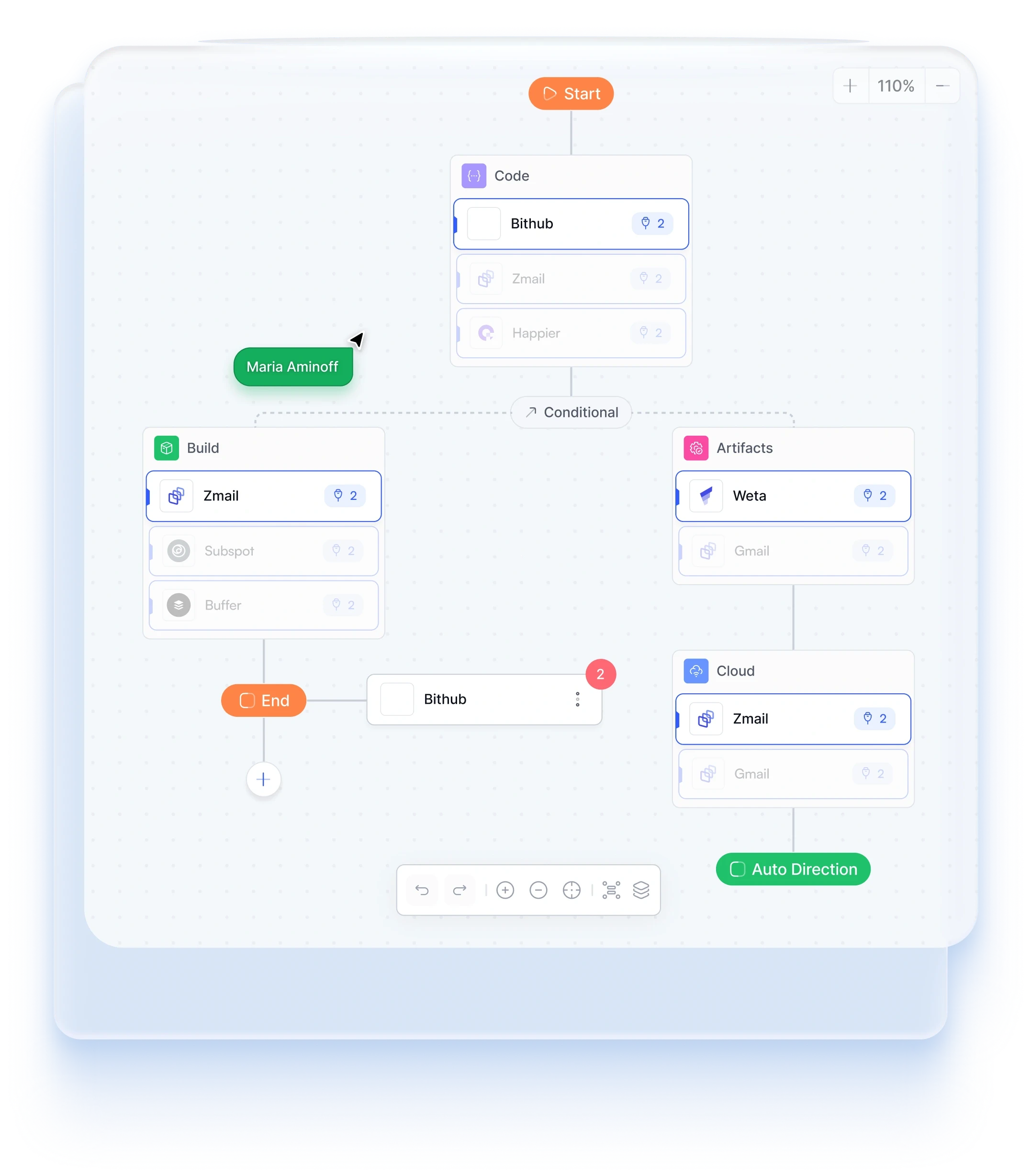
Analyze automated campaign delivery, purchase volume, budget pacing, and cost per acquisition from natural-language prompts.
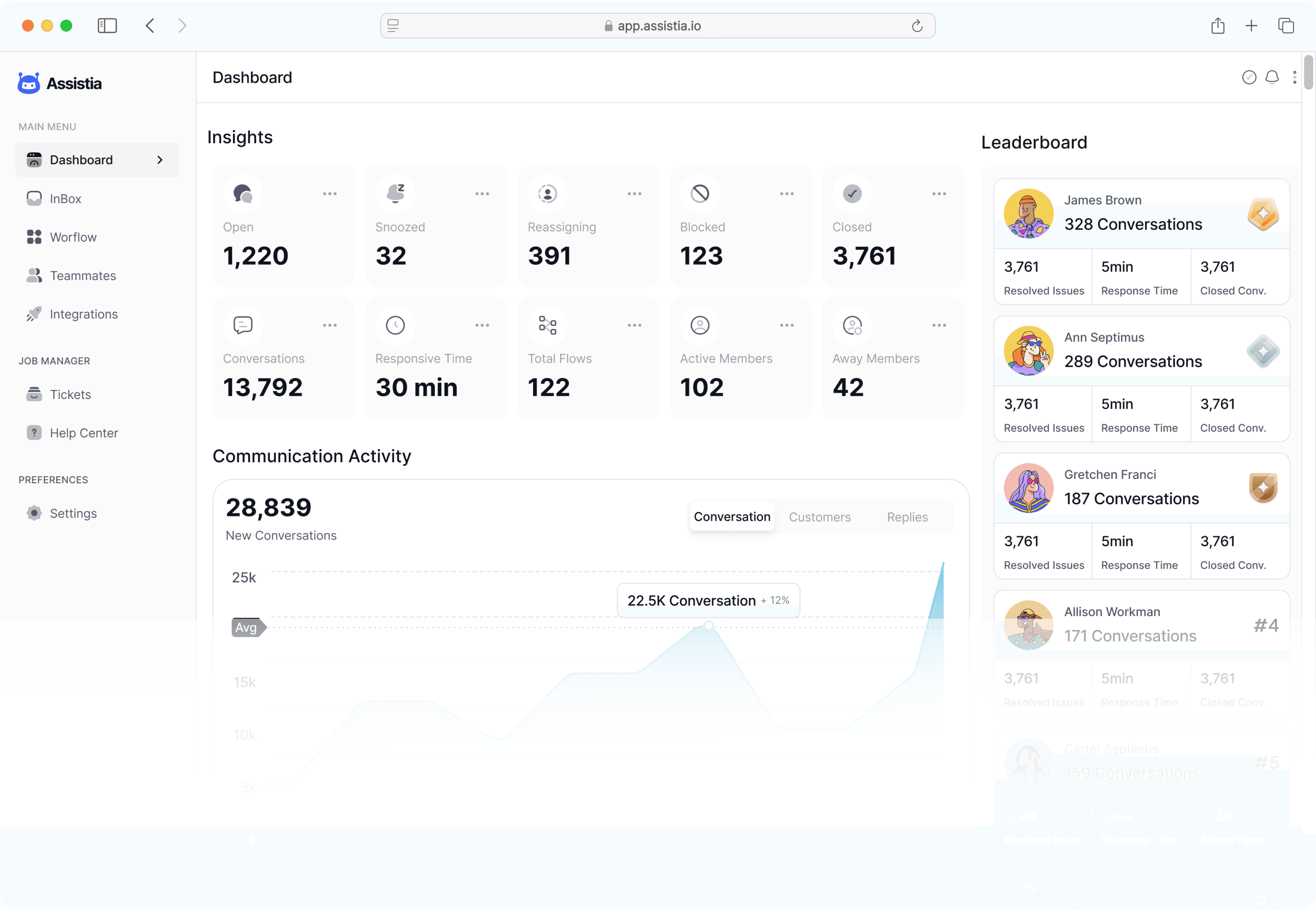 TIKTOK ADS MCP GUIDE
TikTok Ads MCP connects TikTok for Business tools to AI assistants through Model Context Protocol. It gives the assistant a structured way to request campaign, ad-group, creative, audience, and reporting data instead of relying on copied screenshots or exported spreadsheets.
PlugMind is the unified layer around that connection. Teams can use one managed workspace for TikTok, Google, and Meta, keep account access scoped, compare channels in the same conversation, and place human approval in front of enabled campaign changes.
Ask for spend, reach, video views, clicks, conversions, CPA, conversion value, and ROAS by campaign or date range.
Compare video hooks, watch-time signals, click-through rate, conversion performance, and creative fatigue.
Review authorized creator posts and Spark Ads performance, then prepare new campaign actions for approval.
Inspect automated campaign delivery, budget pacing, conversion volume, and cost trends from chat.
Draft campaign changes from recent data and require a human decision before enabled write tools run.
Compare channel efficiency using the same definitions, date ranges, and account context in one AI workspace.
PricingStart free. Find your rhythm. Upgrade when you scale.
Free for as long as you need
Explore MCP reporting with one advertising account.
Start for freeWhat's included
$468 billed annually
For marketers growing across multiple channels.
Start 14-day trialWhat's included
$1428 billed annually
A connected workspace for your clients and team.
Talk to salesWhat's included
Change or cancel at any time. You stay in control of every campaign change.
FAQsA TikTok Ads MCP server gives compatible AI assistants structured tools for working with TikTok for Business data and workflows through Model Context Protocol. It can support reporting, campaign analysis, creative operations, and permissioned actions.
Authorize the permitted TikTok for Business account in PlugMind, then add the PlugMind remote MCP endpoint to a supported ChatGPT or Claude client. PlugMind hosts the connection and keeps platform authentication out of individual chat configurations.
TikTok's first-party MCP is a strong zero-code option for TikTok for Business. PlugMind is designed for teams that also need Google and Meta in the same workspace, with shared cross-channel reporting, account permissions, and consistent approval controls.
Where the connected account and creator authorization permit it, MCP tools can inspect Spark Ads data and prepare campaign or creative workflows. Any enabled publishing action can be kept behind a human approval step.
PlugMind is designed to analyze Smart+ and legacy Smart Performance campaign data alongside standard auction campaigns. Available actions depend on TikTok API access, account permissions, and the tools enabled for your workspace.