Add Google Ads MCP Server URL
Add one secure remote MCP endpoint to ChatGPT, Claude, or another compatible client. No local server maintenance required.
Connect Google Ads to AI assistants through one managed Model Context Protocol server. Analyze GAQL data, audit Search and Performance Max, and review proposed changes in natural language.
Audit Google Search terms for the last 30 days and add negative keywords for low-ROAS waste
Audited search terms: flagged 14 non-converting keywords (saving ~$680/mo) and scaled winning exact match ad groups.
 How it works
One connection. More context for every conversation.
Add one secure remote MCP endpoint to ChatGPT, Claude, or another compatible client. No local server maintenance required.
Authenticate securely with Google Ads API. Set spending limits and enable human confirmation safeguards.
Ask for reports, search-term audits, or campaign changes. Review every proposed write action before it reaches Google Ads.
Google Ads capabilitiesAutomatically identify non-converting search queries, discover wasted ad spend, and add negative keywords in seconds.
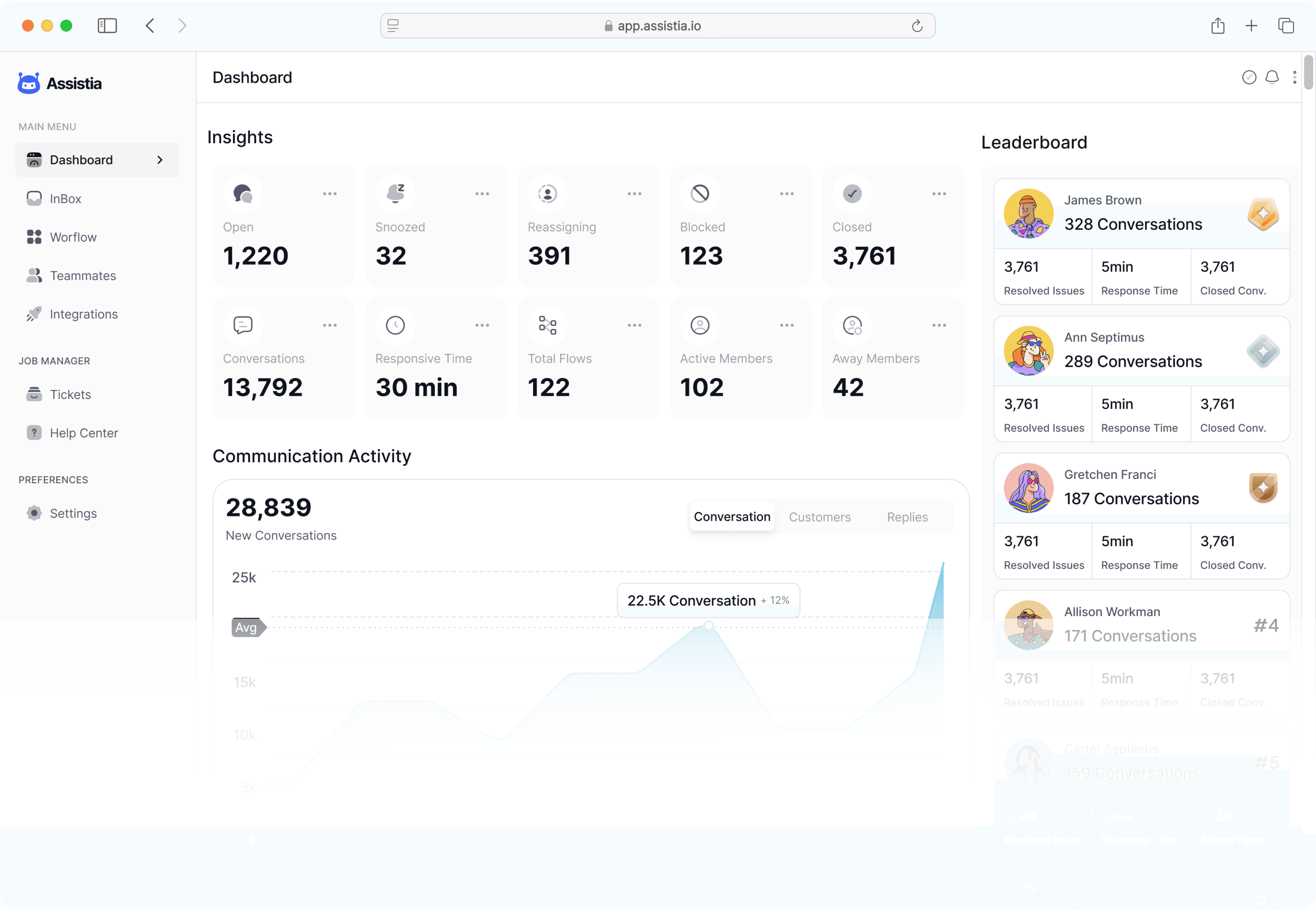
Every bid modification, budget shift, or campaign creation requires your explicit 1-click confirmation.
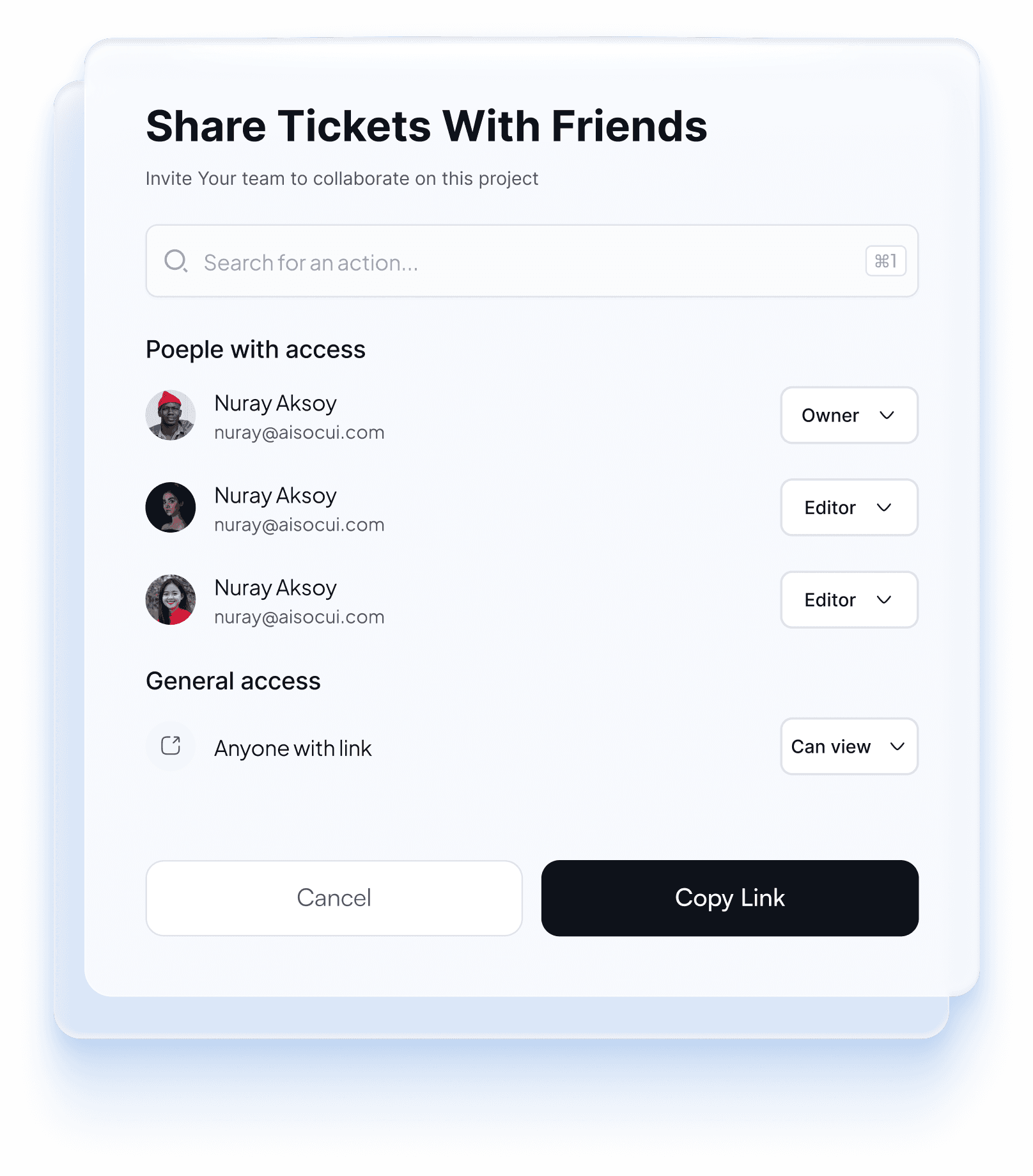
Break down PMax asset performance across Search, Display, YouTube, and Discovery with actionable AI suggestions.
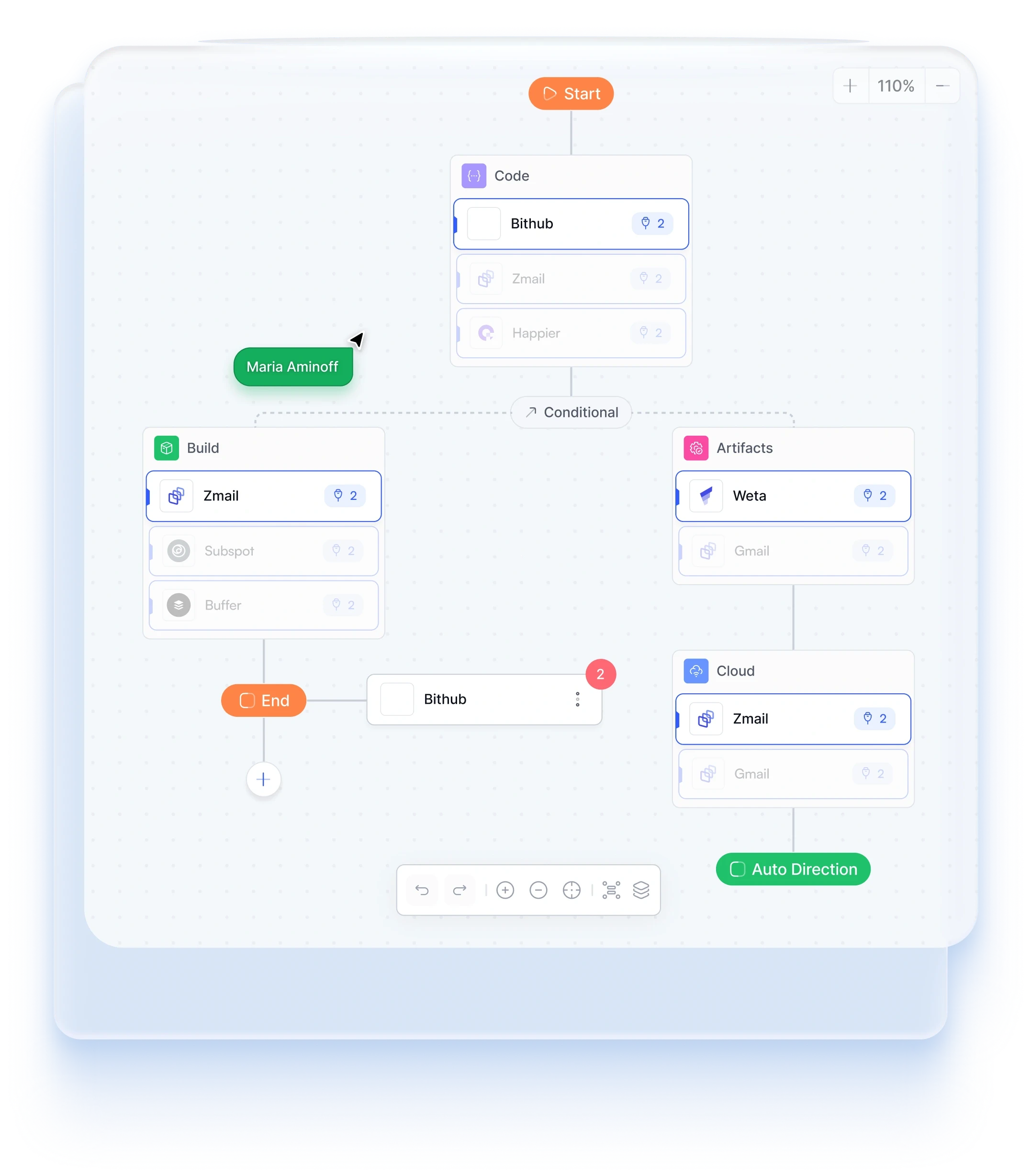
Dynamically adjust target CPA and target ROAS thresholds across all campaigns to maintain maximum profitability.
 GOOGLE ADS MCP GUIDE
Google Ads MCP connects the Google Ads API to AI assistants through Model Context Protocol. Instead of moving between reports and dashboards, a marketer can ask a question in plain language and let the assistant call structured advertising tools behind the scenes.
PlugMind adds the operational layer around that connection: hosted authentication, account scoping, cross-channel context, and approval controls. It is built for advertisers, ecommerce teams, dropshippers, and agencies that want the benefit of MCP without maintaining OAuth credentials, local processes, and separate servers for every platform.
Compare spend, conversions, CPA, conversion value, and ROAS by campaign, date range, device, or account.
Turn plain-language questions into scoped reporting queries and surface waste, trends, and missing negatives.
Review PMax campaign and asset-group performance, budget pacing, and conversion trends from one conversation.
Analyze permitted client accounts from a Google Ads manager account without mixing customer context.
Draft changes from performance data, then require a human decision before any enabled write tool runs.
Compare Google Ads results with Meta and TikTok using one consistent AI workspace and reporting language.
PricingStart free. Find your rhythm. Upgrade when you scale.
Free for as long as you need
Explore MCP reporting with one advertising account.
Start for freeWhat's included
$468 billed annually
For marketers growing across multiple channels.
Start 14-day trialWhat's included
$1428 billed annually
A connected workspace for your clients and team.
Talk to salesWhat's included
Change or cancel at any time. You stay in control of every campaign change.
FAQsA Google Ads MCP server is a Model Context Protocol connection that gives compatible AI assistants structured tools for working with Google Ads data. PlugMind provides a managed remote connection so users do not need to run and maintain the server locally.
Connect your Google Ads account to PlugMind with Google authorization, then add the PlugMind remote MCP endpoint to a supported ChatGPT or Claude client. Your ad credentials stay on the managed server instead of being pasted into each chat.
Google's official server is a strong first-party option for read-only analysis. PlugMind is designed for marketers who want hosted setup, a unified workspace across ad channels, permission controls, and approval-gated workflows without operating a local MCP server.
No. We enforce strict human-in-the-loop protection. Read actions happen automatically, but all write actions (budget changes, new campaigns, negative keyword additions) generate an interactive confirmation card before executing.
PlugMind is designed for Search, Performance Max, Display, Video, and Shopping reporting and workflows. Exact actions depend on the permissions granted to your Google Ads account and the tools enabled in your workspace.
Yes. Agency workspaces can route requests to permitted Google Ads manager-account clients while keeping account scope and approval history clear.